Before trying to use the User Permissions POST Function app in a new or existing Jira workflow, please make sure you’ve successfully completed the steps outlined in Creating an API token first.
- Click the settings cog in the top right and click Issues

- Click on Workflows down the left hand set and either Add workflow or click the 3 dots by an existing workflow and select Edit

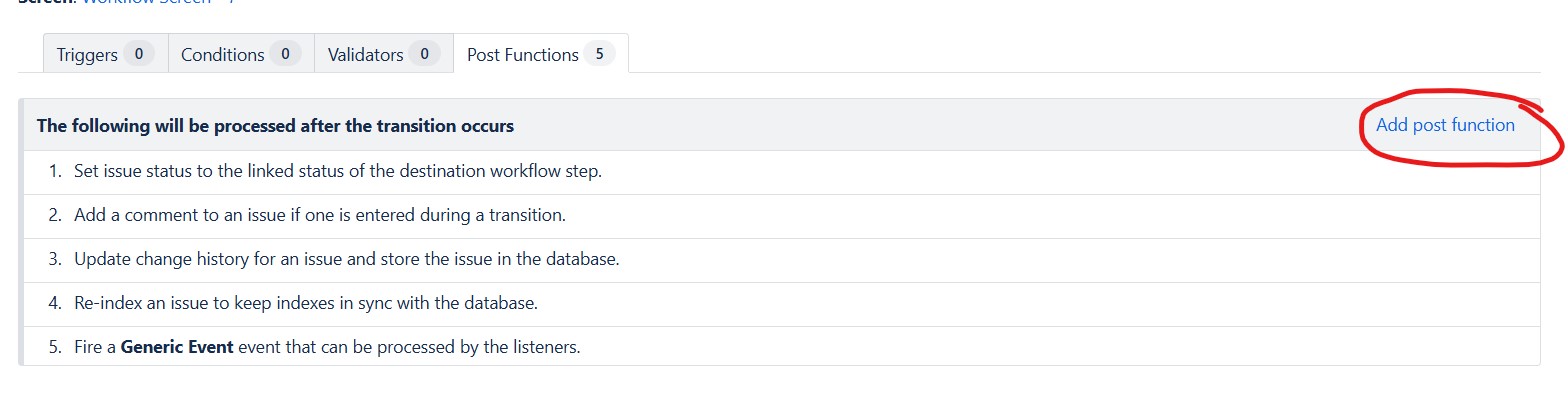
- Create or edit the workflow as required and then open the transition where you’d like the adding or removing of a user from a group to take place (if you have approvals in your workflow you’ll likely want this to happen on the approval transition or a transition after the approval step). Click the Post Functions tab

- Click the Add post function link on the right hand side
- Select User Permissions POST Functions from the list of available Post Functions and click Add

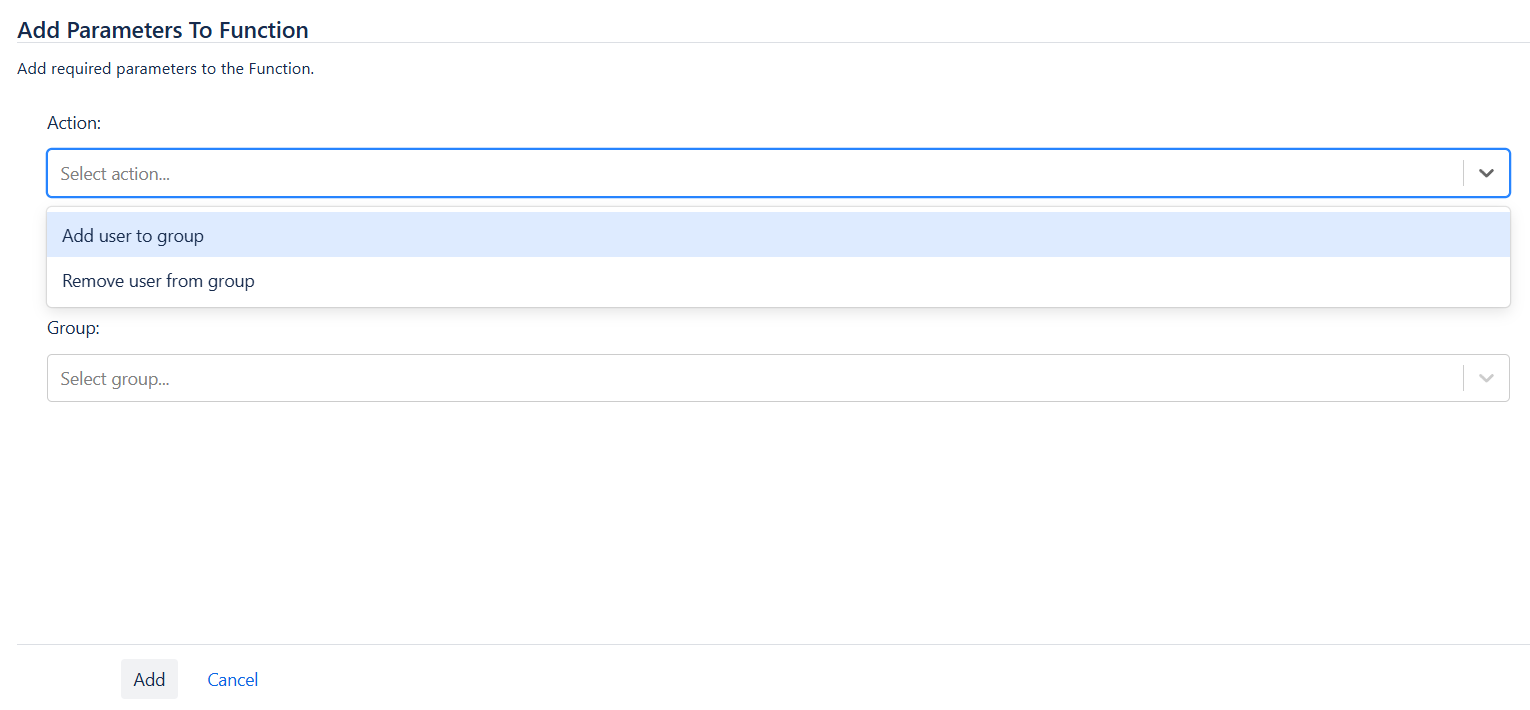
- Select the action you want to perform – either Add user to group or Remove user from group
- Select the field that will contain the user that should be added to or removed from (depending on the selected action) the group. Any single user picker is a valid field to select such as the default Assignee, Creator and Reporter fields along with any addition custom fields of the same type you’ve created.
If you’re using a custom field just remember to ensure it’s on a form or screen so that it can be populated either by the creator/reporter when raising the request or by someone else via a transition screen or editing the issue in Jira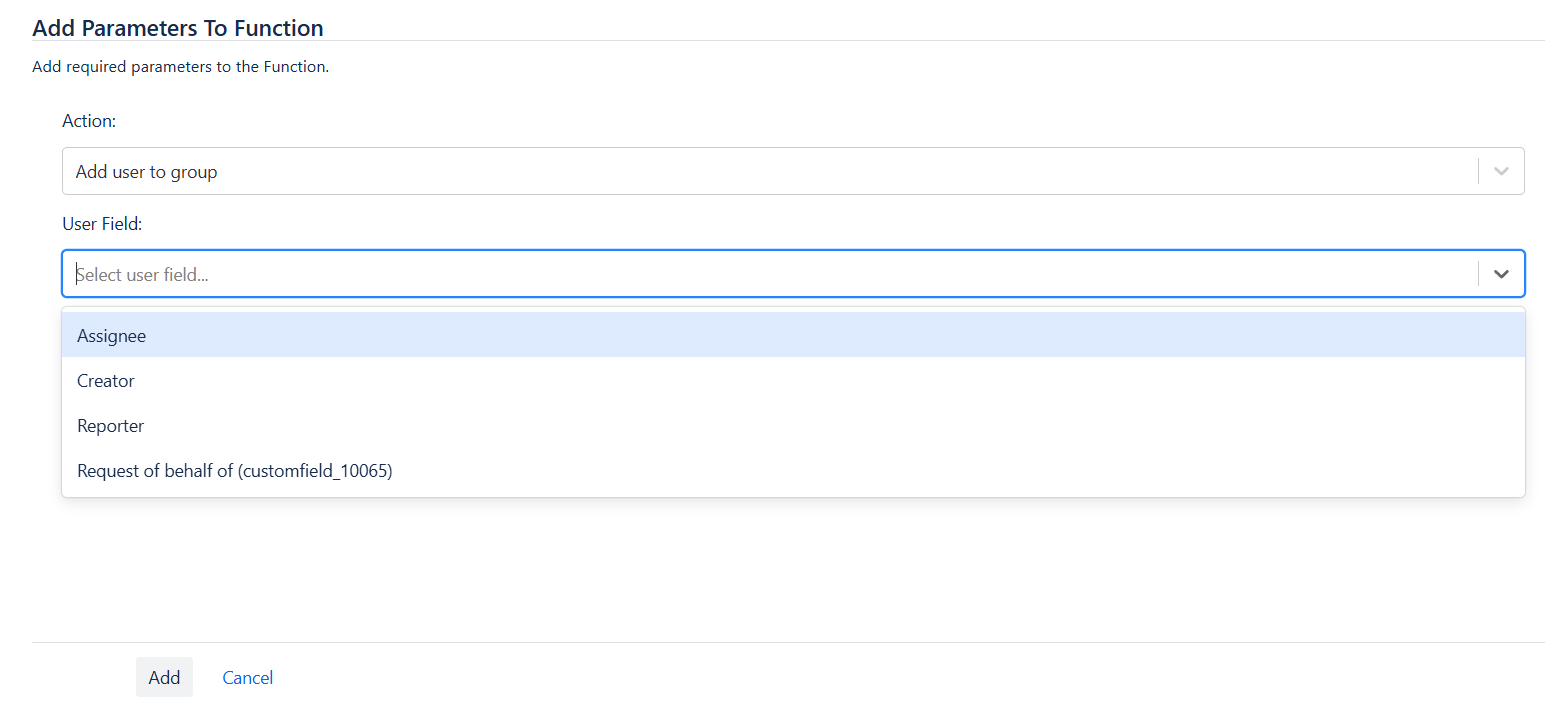
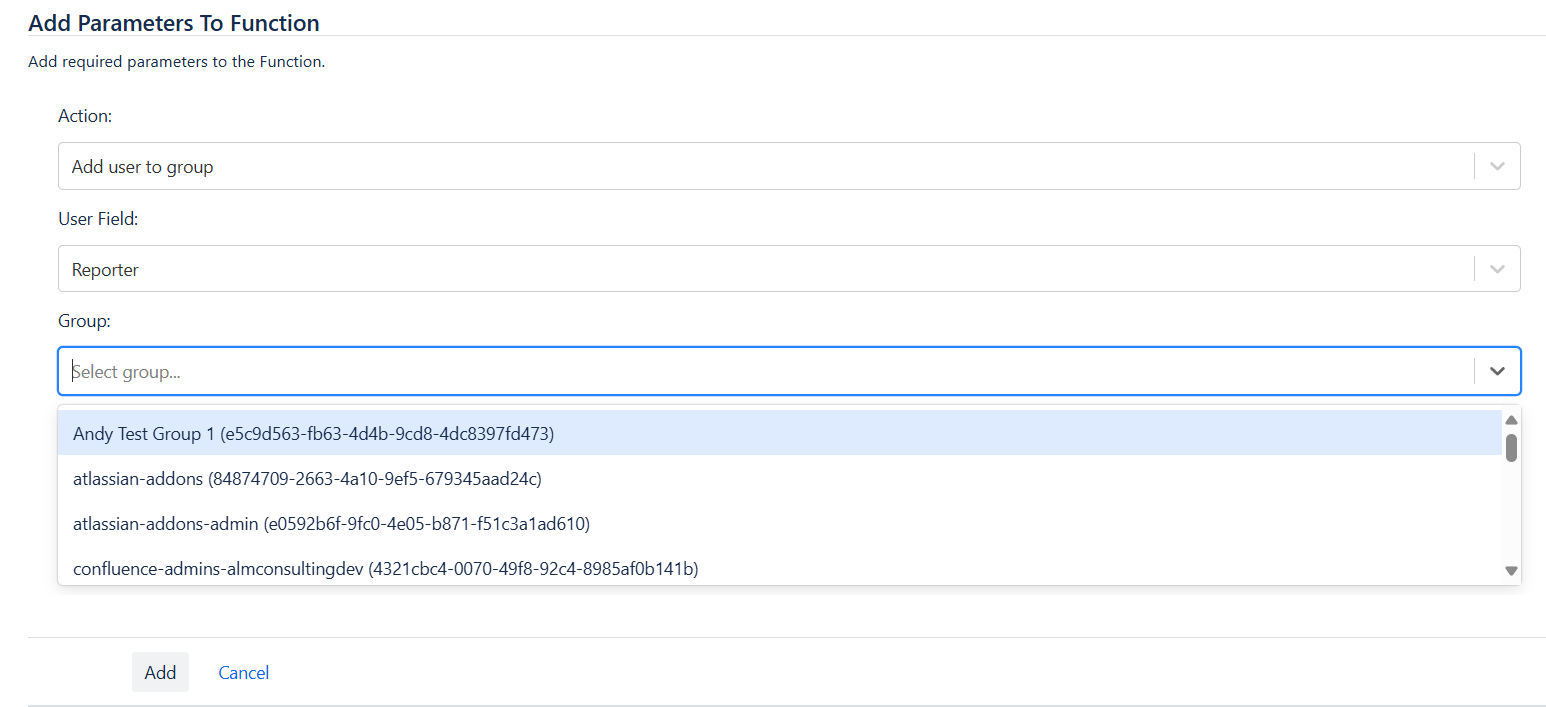
- Select the group you want the user to be added to or removed from and click Add
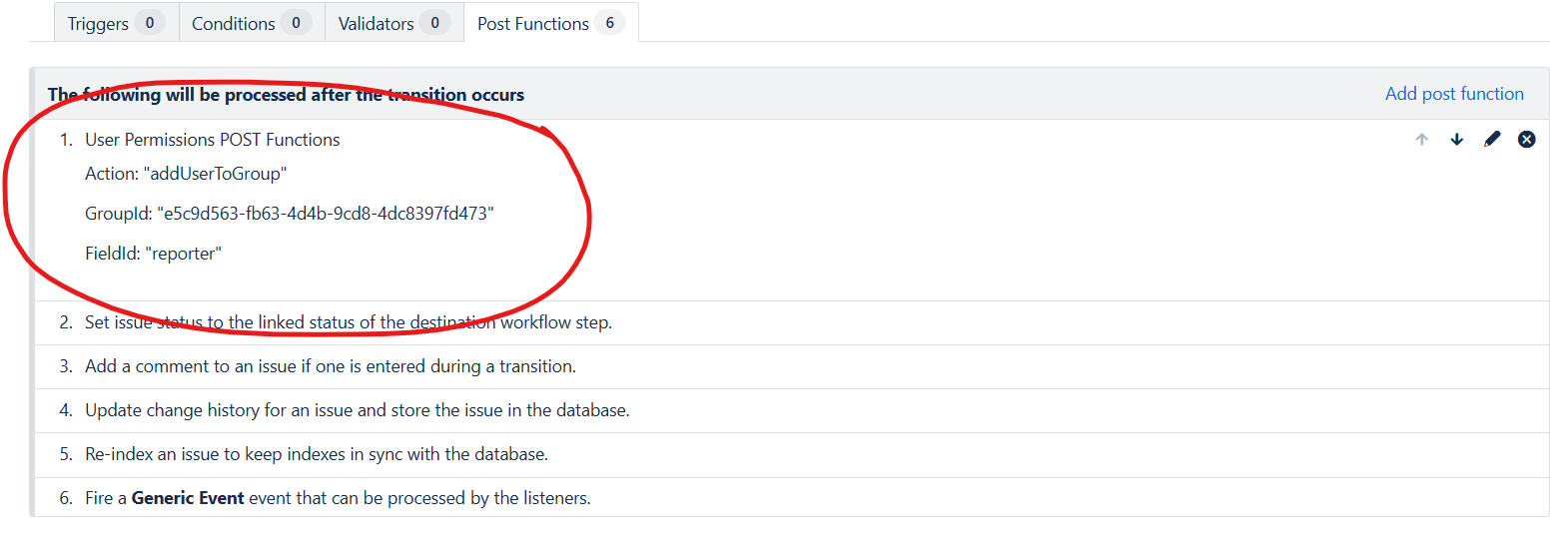
- A summary of the POST Function configuration will be displayed
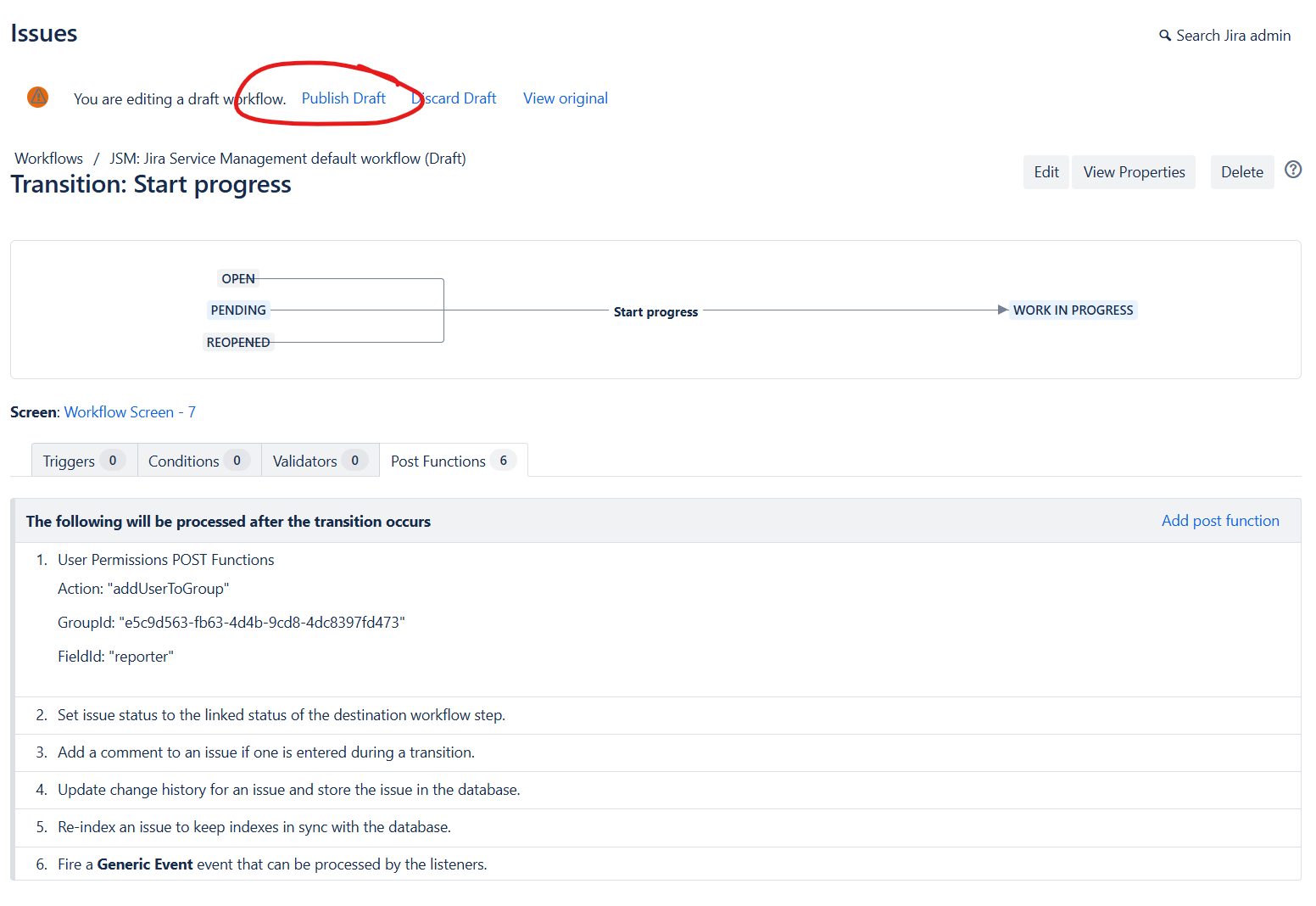
- Click Publish Draft to save the workflow. You may need to associate the workflow to an issue type via a workflow scheme if this is a new workflow or not currently an active workflow. For more information on workflows please refer to the Atlassian documentation
 ALM Consulting Ltd
You must be logged in to post a comment.